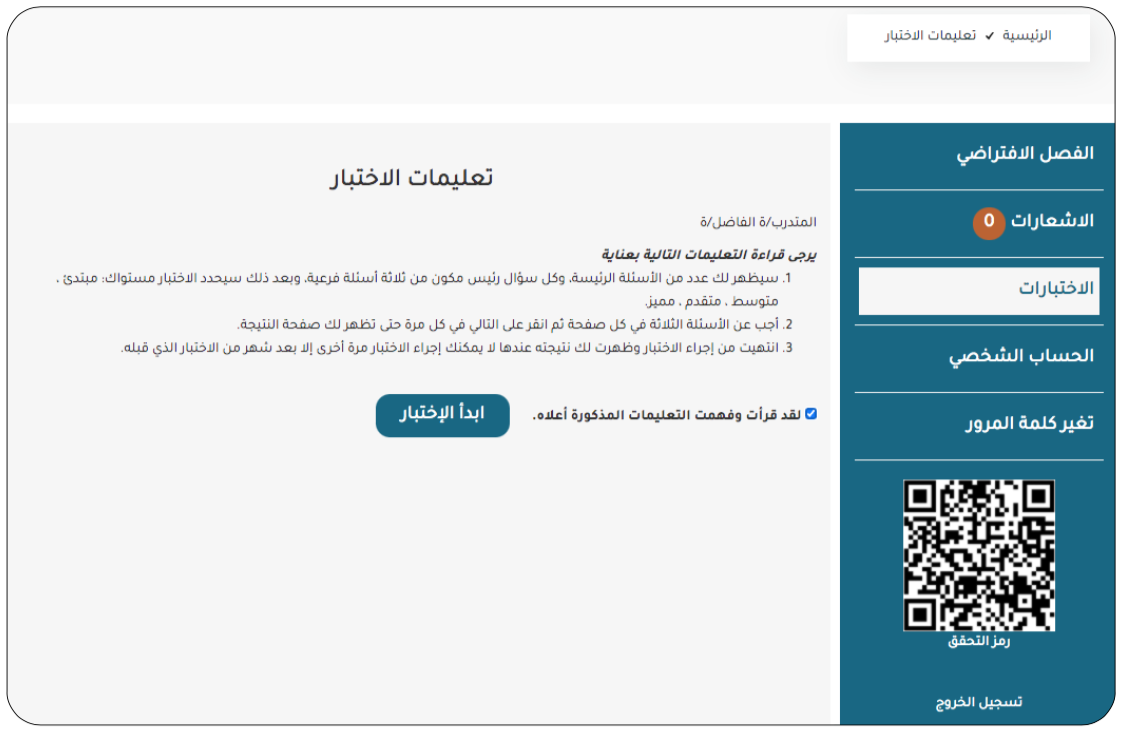
Training Platform User Guide
First: How to Register a New Trainee Account:
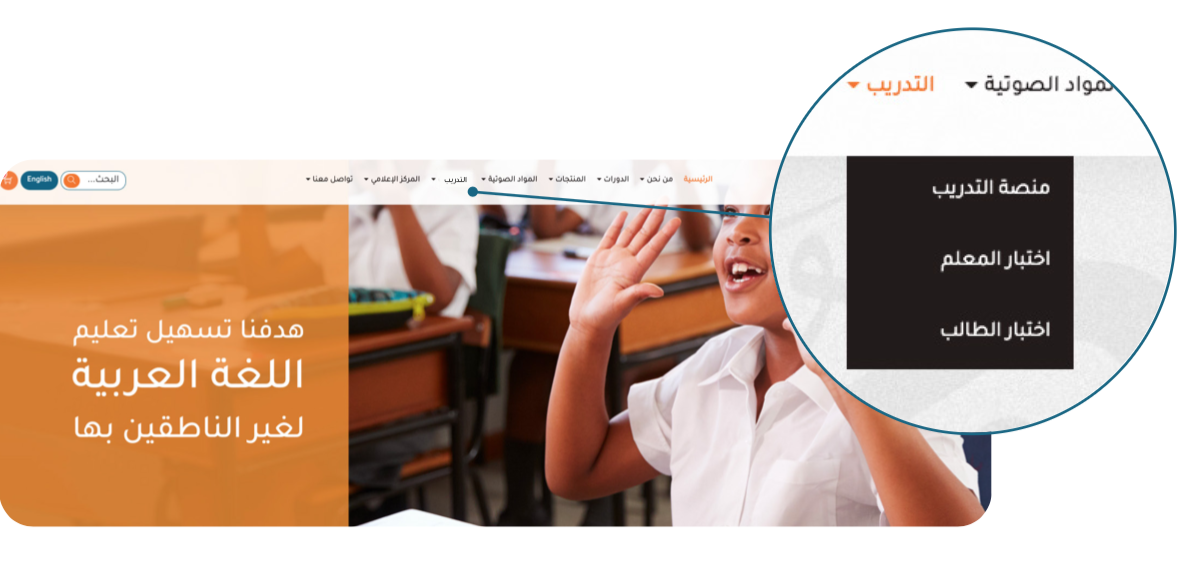
- Go to the Arabic For All website, and from the main menu, select "Training," then select "Training Platform."
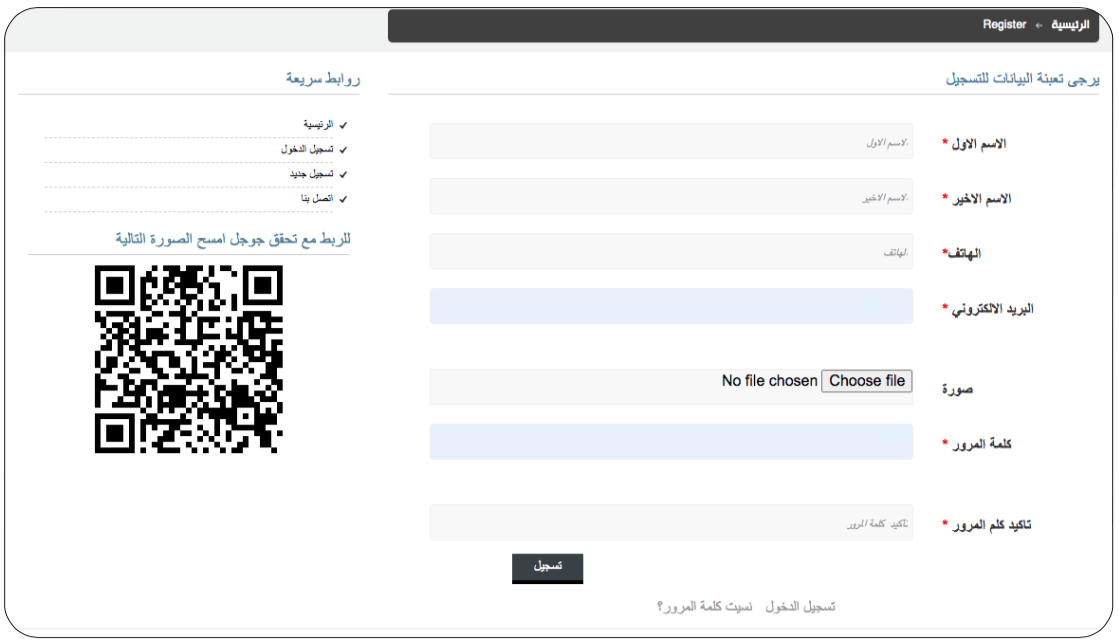
- Enter your information, ensuring it is entered as required.
- After entering the information correctly, an email will be sent from Arabic For All to the registered email address to verify the validity of the email address.
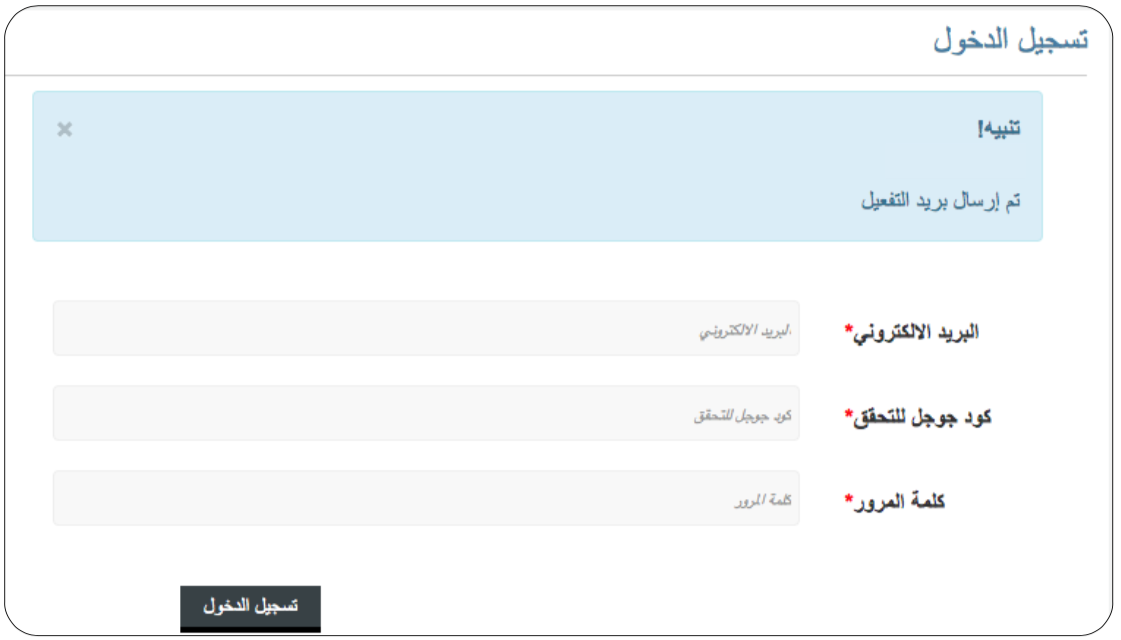
- After receiving the email, you can easily log in to the training platform.
Second: How to Use the Platform:
- Once you enter the platform, you will find the virtual classrooms to which you were previously added by the trainers.
- Clicking on the link to join the virtual classroom will take you directly to the class.
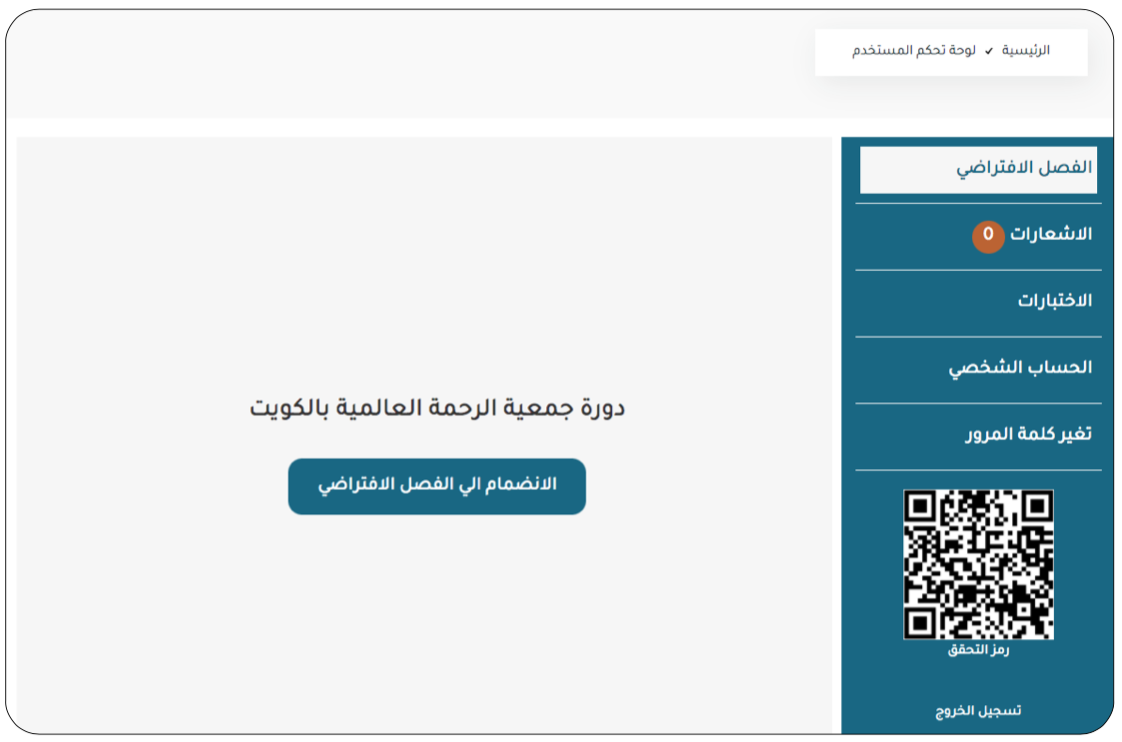
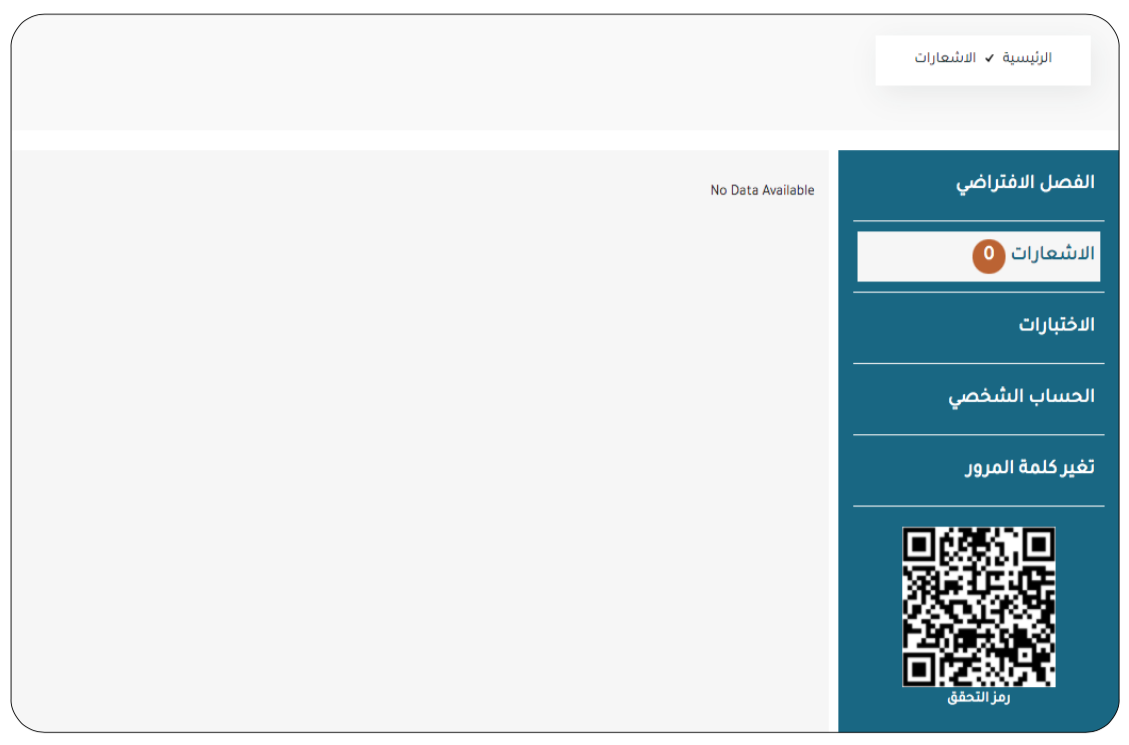
- If there are notifications sent to the trainee, they will be available in the Notifications section.
- To access the test, you must read the test instructions and then select (Start Test).